








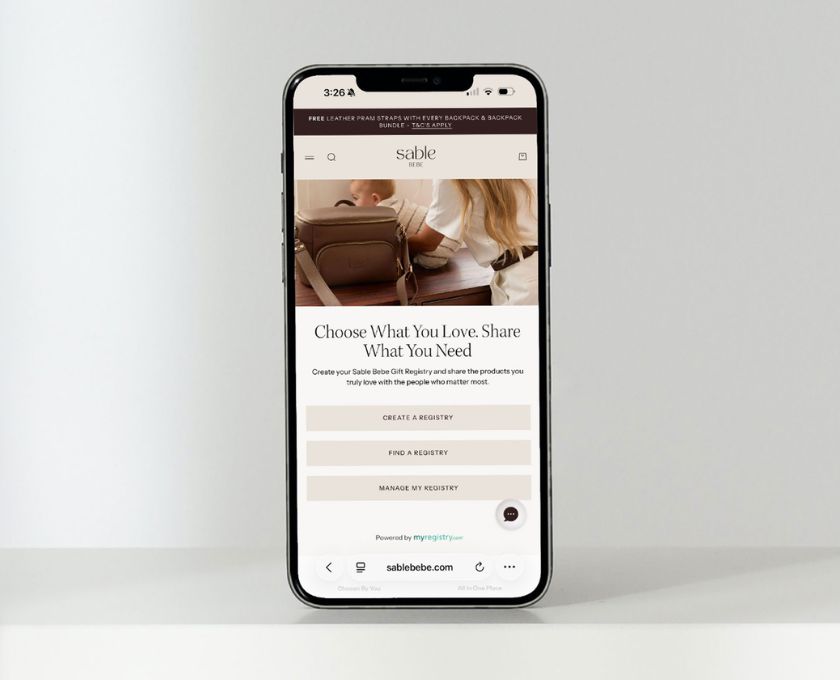












You can apply your discount code either in your cart or at checkout, before completing your order.
If you’re shopping on desktop or mobile, you’ll see a “Discount code” field within your cart drawer. Simply enter your code and select Apply and your order total will update automatically.
You can also apply your code at checkout.
If your code isn’t applying, we recommend checking the spelling, expiry date and any conditions attached to the promotion.
Read more
If your order contains both pre-order and in-stock items, the entire order will ship once the pre-order item becomes available.If your item was purchased on pre-order, the estimated arrival date wi...
Only one discount code can be used per order. If you have multiple codes, we recommend choosing the one that offers the best value for your purchase.
